
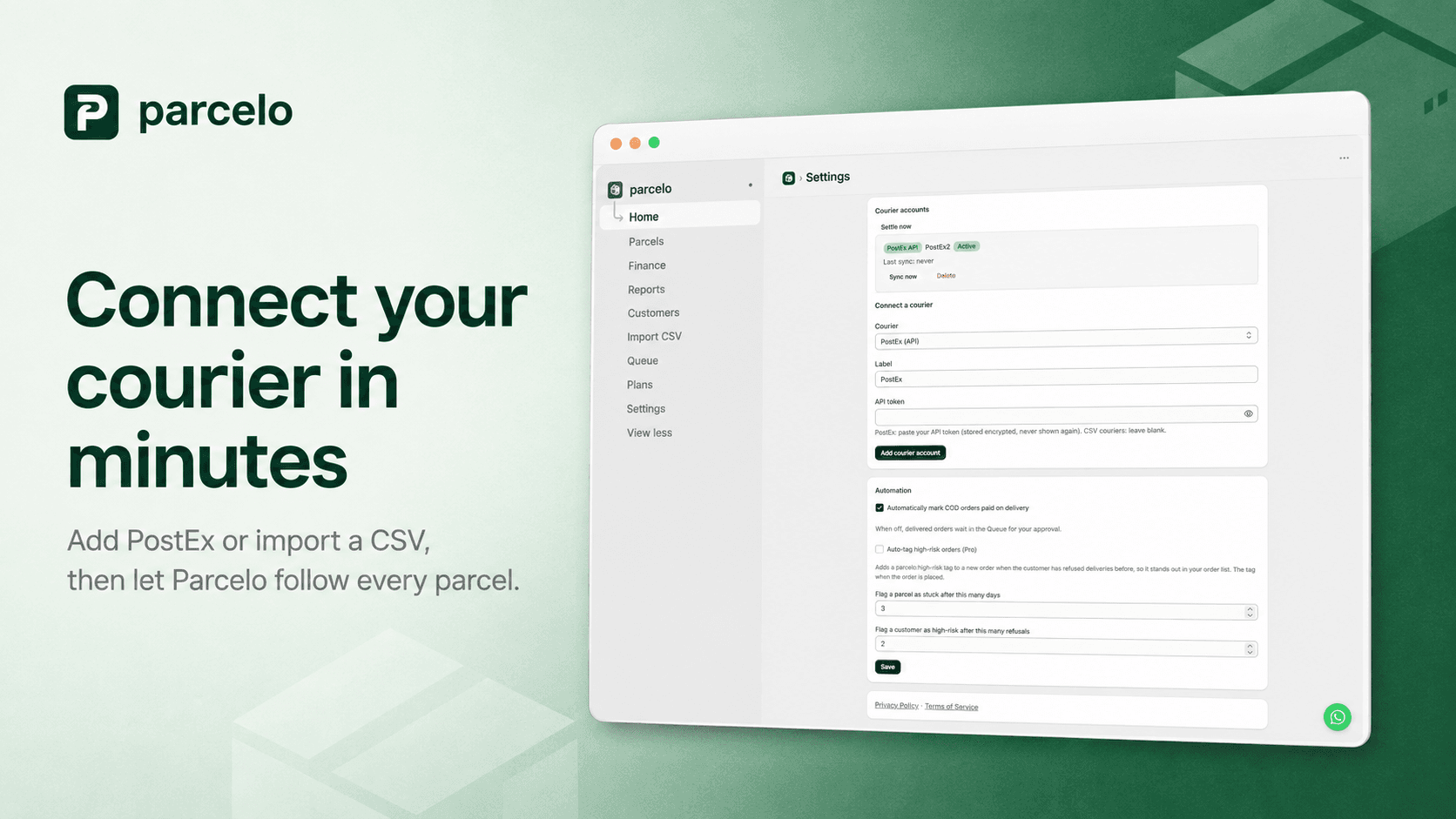
PostEx is one of the most widely used couriers for Pakistani ecommerce, and if you ship cash-on-delivery through it, you already know the routine: export the delivery sheet, match it against your Shopify orders, tick off what's delivered, and try to figure out what was actually remitted. It's slow and easy to get wrong. Here's how to automate it.
What "automating COD tracking" actually means
Three jobs stop being manual once PostEx is connected properly:
- Tracking: every fulfilled tracking number is followed automatically, so you always know a parcel's status.
- Mark-paid: when a parcel is delivered, the matching COD order is marked paid in Shopify — no manual ticking.
- Charges: the delivery charge, tax, and fees PostEx deducted are recorded per order, so you see what was really remitted.
How to connect PostEx to Shopify with Parcelo
- Get your PostEx API token from your PostEx merchant account under API settings.
- Paste it into Parcelo on the Settings → Connect a courier screen. It's stored encrypted and never shown again.
- Let Parcelo follow every parcel. Each fulfilled tracking number becomes a parcel it tracks, pulling delivery status and settlement from PostEx.
From there, delivered orders reconcile themselves, courier charges appear per order, and refused deliveries feed your customer return-risk. See the full PostEx integration.
Read-only means it's safe
A common worry: will connecting my courier let something book shipments or print labels I didn't authorize? With Parcelo, no. It is read-only on PostEx — it only reads delivery status and settlement data to reconcile orders you've already shipped. It never books shipments and never prints labels.
What if you use more than one courier?
Many stores split volume across couriers. Parcelo supports PostEx, Rocket Courier, Trax, XPS and Swift Postvia API, with CSV import for couriers without an API — and you can request any other courier and we'll build the adapter. So you reconcile everything in one place and compare couriers fairly. That per-courier view is the foundation of good COD reconciliation.
Get started
Automating PostEx tracking turns a daily chore into something that just happens in the background. You get paid for every delivery, catch returns early, and finally see what the courier really took. Explore what Parcelo does or start a 7-day free trial.