
PostEx integration
Automate COD tracking with PostEx + Shopify
Connect PostEx once and let Parcelo reconcile every cash-on-delivery order — mark paid on delivery, courier charges per order, and return-risk on refusals. Read-only, nothing booked.
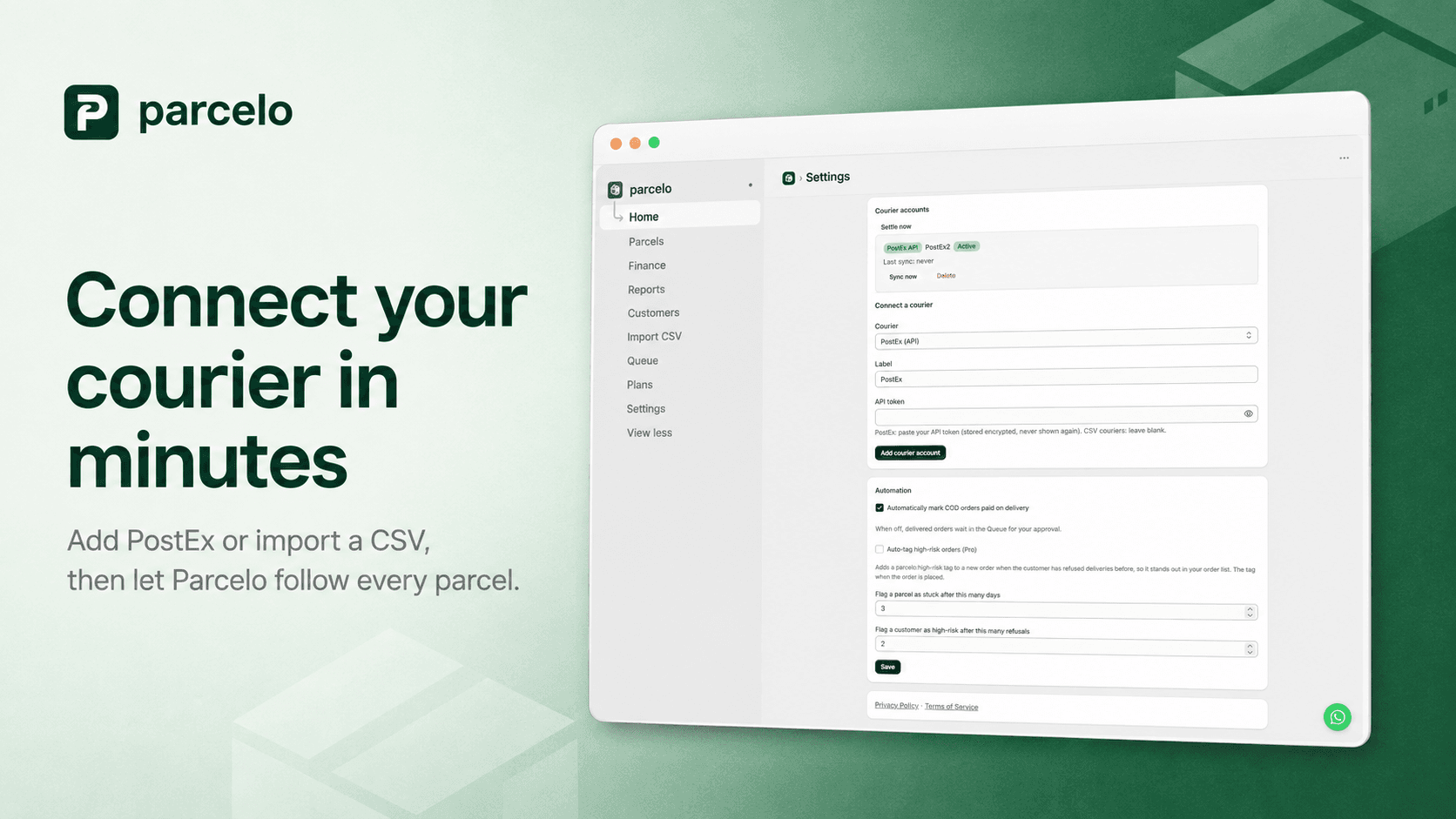
Add your PostEx API token
Paste your PostEx API token into Parcelo once. It's stored encrypted and never shown again.
Parcelo follows every parcel
Each fulfilled tracking number becomes a parcel Parcelo tracks — pulling delivery status and settlement from PostEx.
Orders reconcile themselves
Delivered COD orders get marked paid, courier charges appear per order, and refused deliveries feed customer return-risk.
More couriers
Also live: Rocket Courier, Trax, XPS, Swift Post · CSV for the rest
Each connects with its own API credentials in Settings. Using a courier we don't support yet? Request it and we build the API adapter for you.
PostEx FAQ
Common PostEx questions
Does Parcelo book PostEx shipments or print labels?+
No. Parcelo is read-only on PostEx — it never books shipments or prints labels. It only reads delivery status and settlement data to reconcile orders you've already shipped.
What if I use a courier other than PostEx?+
Parcelo also connects Rocket Courier, Trax, XPS, Swift Post via API, plus CSV import for any courier without an API. If we don't support yours yet, request it and we'll build the adapter so it syncs and reconciles automatically.
Where do I find my PostEx API token?+
In your PostEx merchant account under API settings. Paste it into Parcelo's Settings → Connect a courier screen.